 Scroll Direction Helper
$2.99 · one-time
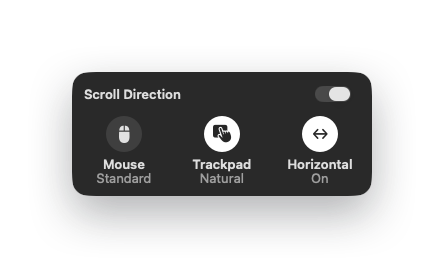
Natural scrolling on the trackpad, classic scrolling on the mouse — at the same time.
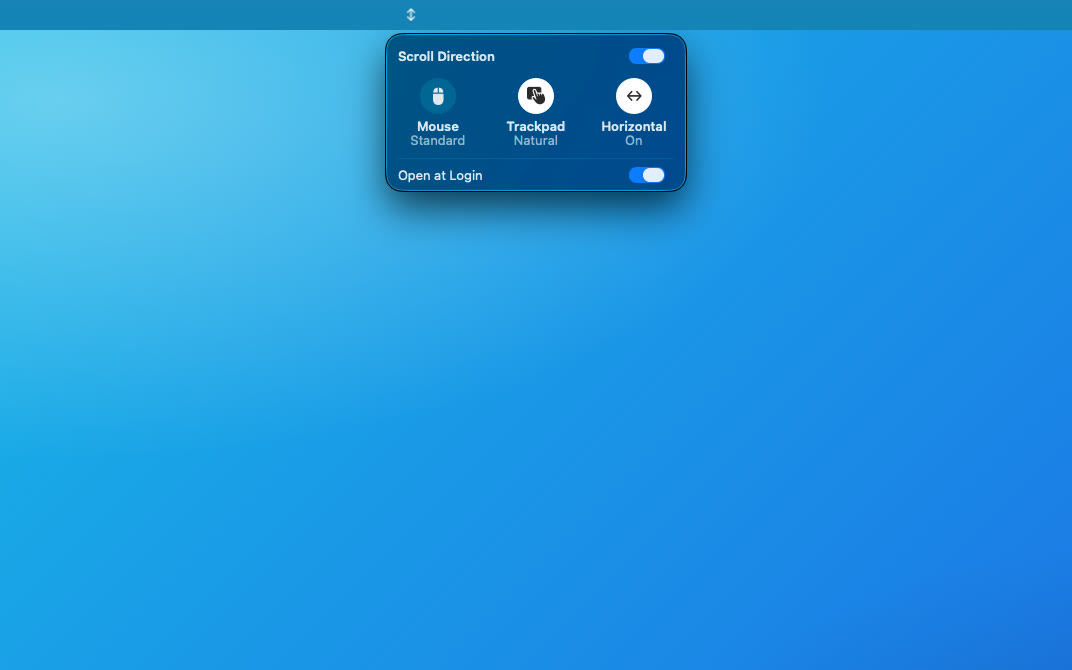
- One direction per device, set once
- Horizontal scrolling follows along
- A menu bar card that feels built in
Six apps for Macs with Apple silicon
Each app does one job well: scroll direction for mouse and trackpad, keyboard backlights, network monitoring, live transcription, key remapping — and, with the bundle, quitting every app at once. Try the first five free for 7 days. Buy once, keep it forever.
Every app is a free download. The first five come with a 7-day free trial on each Mac; Quit All is a bonus with the bundle. A license keeps an app unlocked on up to 2 Macs, with free updates forever.
Scroll Direction Helper
$2.99 · one-time
Natural scrolling on the trackpad, classic scrolling on the mouse — at the same time.
 Keyboard Brightness
$1.99 · one-time
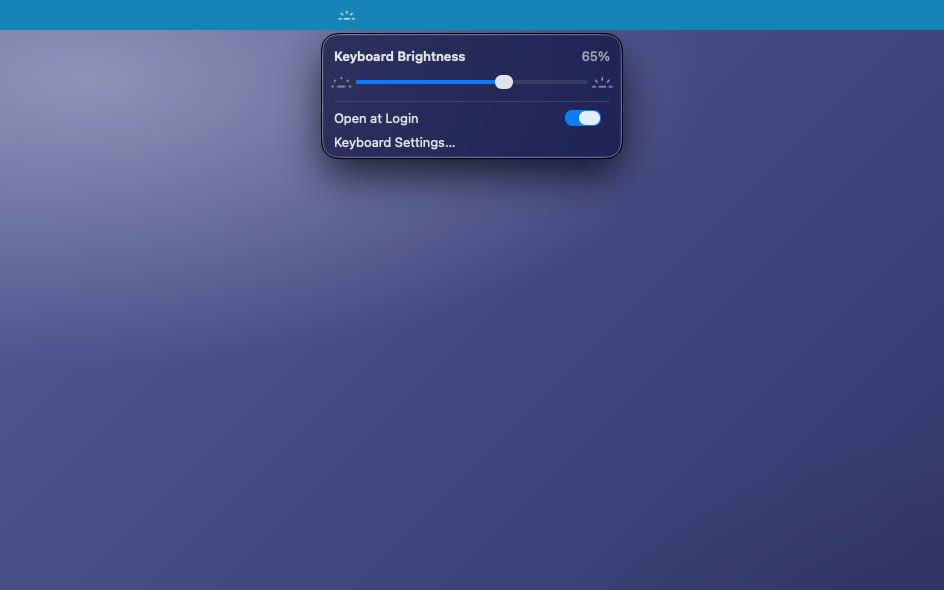
One menu bar slider for your MacBook and supported external keyboard backlights.
 Network Map Monitor
$7.99 · one-time
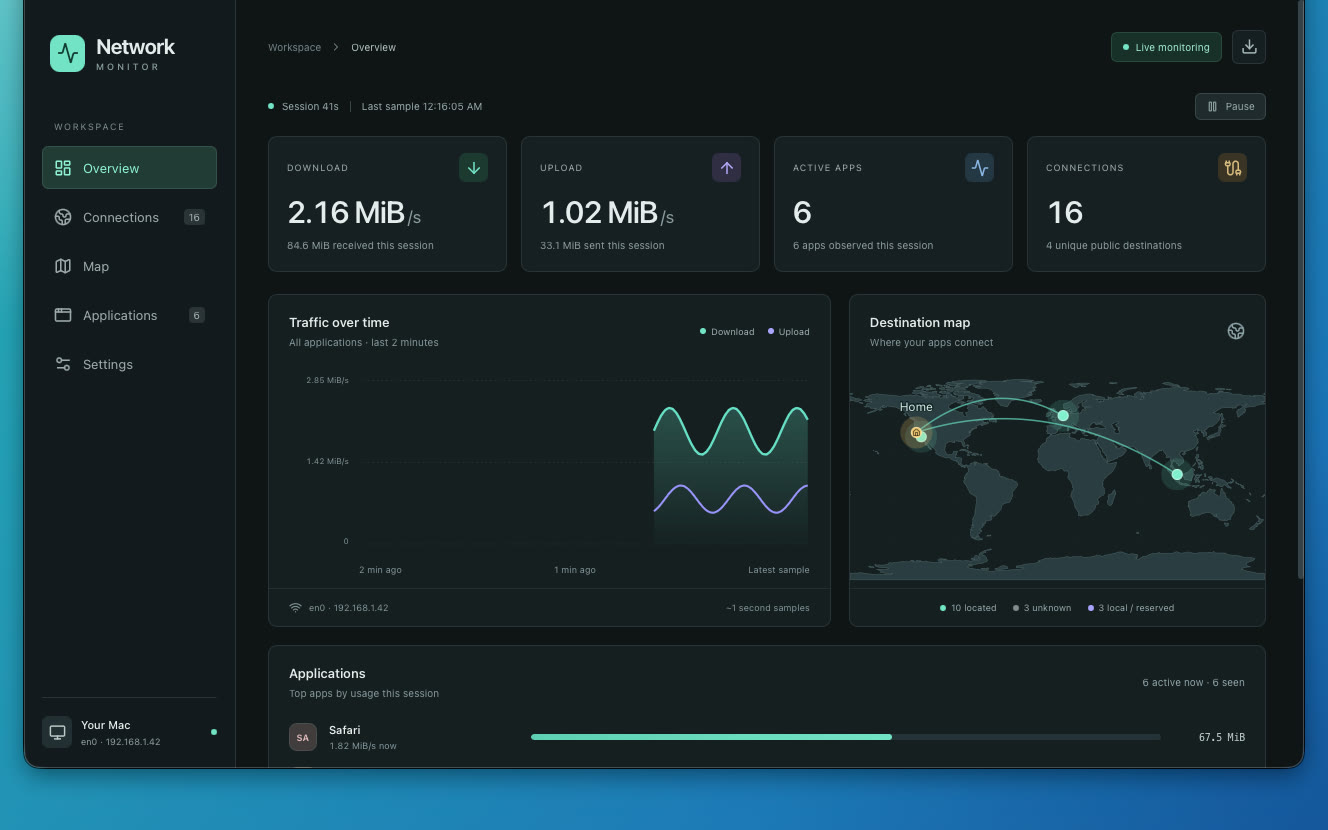
Live bandwidth by app, and a map of everywhere your Mac connects.
 Live Subtitles
$8.99 · one-time
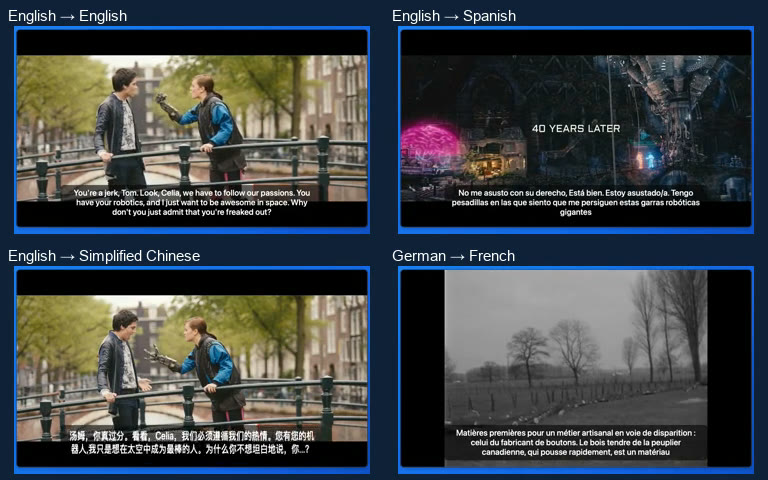
Translate live audio into subtitles in your language, in any Mac app — offline.
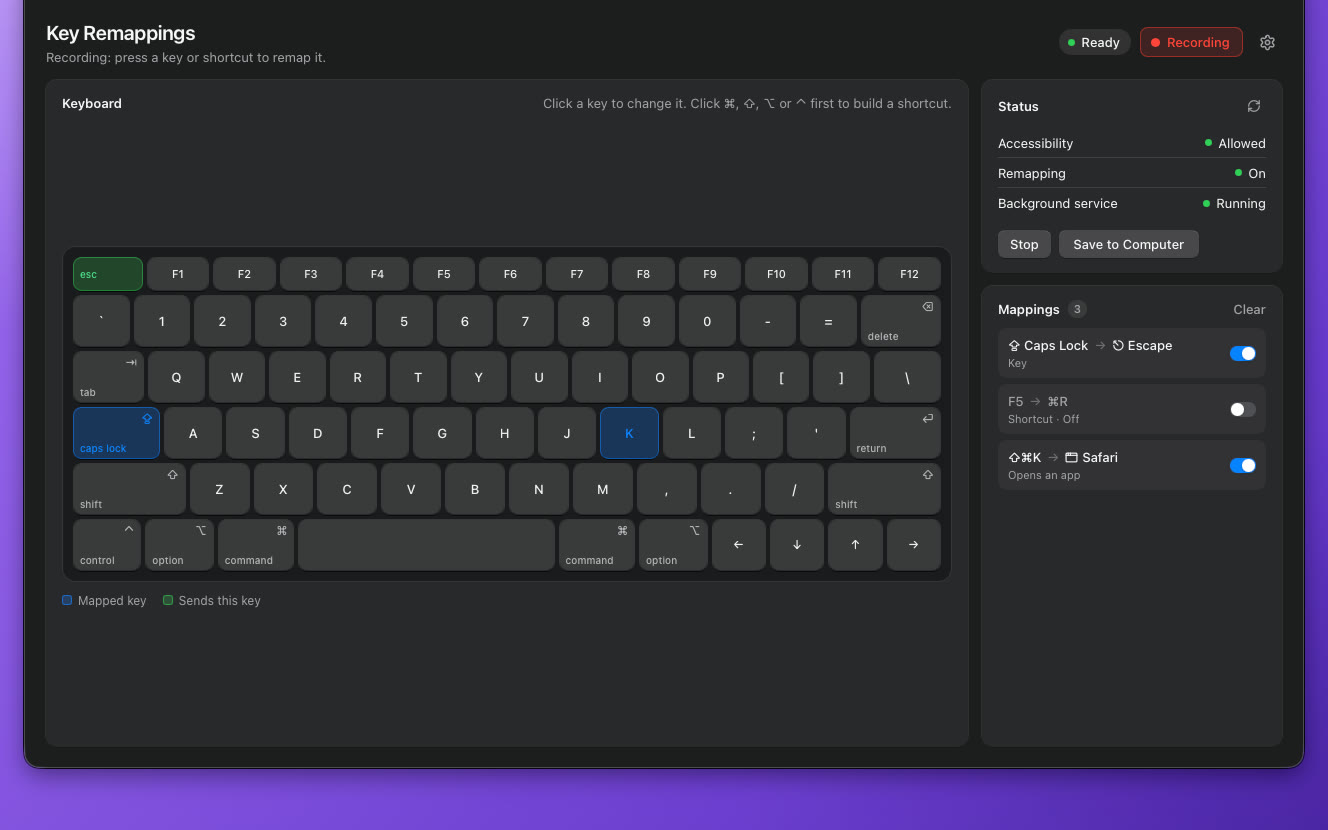
 Key Remappings
$4.99 · one-time
Turn any key or shortcut into another one, or into an app — from a picture of your keyboard.
 Quit All
Bundle bonus
Force quit all open apps in one click or shortcut. Save your work first.
Light and dark
Scroll Direction Helper, Keyboard Brightness, Live Subtitles and Key Remappings follow your Mac’s appearance, down to the menu bar icon. Network Map Monitor keeps its own dark interface.
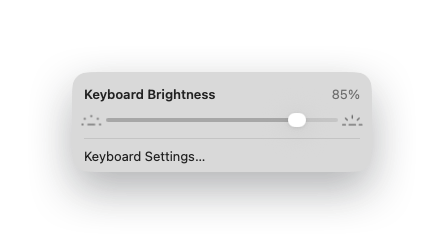
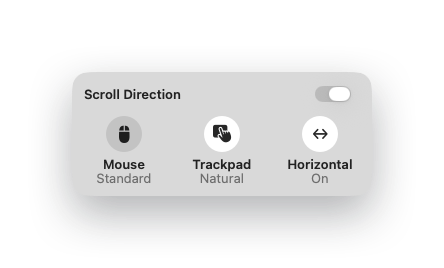
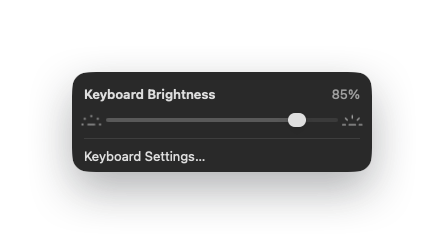
This site follows your Mac too. Prefer one look? Choose Light, Dark or Auto at the bottom of the page.
The bundle
$14.99
instead of $26.95
Save $11.96 (44%)
The bundle’s price may go up as new apps join. Buy it now and every future app comes with what you pay today.
Scroll Direction Helper$2.99Keyboard Brightness$1.99Network Map Monitor$7.99Live Subtitles$8.99Key Remappings$4.99Quit AllBonusHow it works
No analytics, no tracking, no ads in any app. License checks send only a hashed machine ID, your computer’s name and the app version — nothing else. Live Subtitles’ captioning runs fully offline.
This website counts visits with its own first-party analytics — no third parties. Privacy choices
One-time purchase, no subscription. Requires a Mac with Apple silicon on macOS 13 Ventura or later (Live Subtitles needs macOS 14.2 Sonoma). Sold to customers in the United States for now.
Questions
Every Small Dial app needs a Mac with Apple silicon (M1 or later). They run on macOS 13 Ventura or later, except Live Subtitles, which needs macOS 14.2 Sonoma or later. Intel Macs aren’t supported.
Download any app and use it fully for 7 days on each Mac — no account, no card. When the trial ends, the app stays installed but its main feature pauses until you enter a license key. Quit All, a bonus with the bundle, has no trial.
No. Every license is a one-time purchase, and every future update of the app is included for free, forever.
Yes. A Small Dial Bundle license unlocks every app we add to the catalog, at no extra cost: the same key, on the same two Macs. The bundle’s price may go up as new apps join, but a bundle you already own never needs an upgrade.
Not yet. For now we can only sell licenses to customers with a US billing address. If an order comes from elsewhere, it’s refunded in full automatically and no license is issued.
Request a refund within 14 days at smalldial.com/manage — no questions asked. Sign in with the email you bought with and choose “Refund this purchase”. A refund deactivates the license.
On the old Mac, choose License… from the app’s menu, then Deactivate This Mac, or remove that Mac on the Manage licenses page. Then activate on the new one.
The apps have no analytics, no tracking and no ads. License checks send only a hashed machine ID, your computer’s name and the app version. Update checks download a list of releases from smalldial.com. That’s it.
smalldial.com uses its own first-party analytics — no third-party scripts, ads or trackers — to see which pages help people find the right app. It honors Global Privacy Control and Do Not Track, and you can turn it off on the Privacy choices page. The Privacy Policy lists exactly what is recorded.
No. Your license key is all you need, and it’s emailed to you when you buy. If you lose it, we’ll resend it to the same address.
Something else? Visit support