
Menu bar app · $1.99, one-time
Keyboard Brightness
Control your MacBook and external keyboard backlights from one slider.
Recent MacBook Air and MacBook Pro models have no keys for the keyboard light; the control hides in Control Center. Keyboard Brightness is designed for your MacBook’s built-in keyboard backlight and puts its slider right in the menu bar. Click the icon, drag, done — with the exact percentage shown as you go.
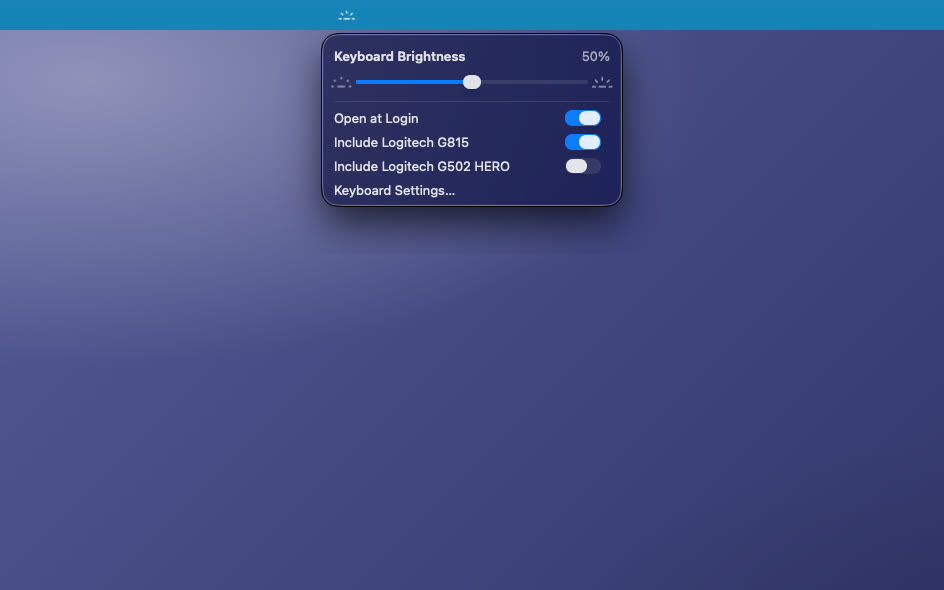
Control external keyboard brightness on your Mac from the same slider. Supported Logitech keyboards and QMK keyboards with VIA or Vial are discovered automatically when connected. Use the inclusion switch to choose whether their backlights follow your MacBook’s brightness, or control a supported external keyboard on a desktop Mac.
It reads the real brightness every time you open it, and it never changes anything on its own: opening or quitting the app leaves your backlight exactly where it was.
Features
What Keyboard Brightness does
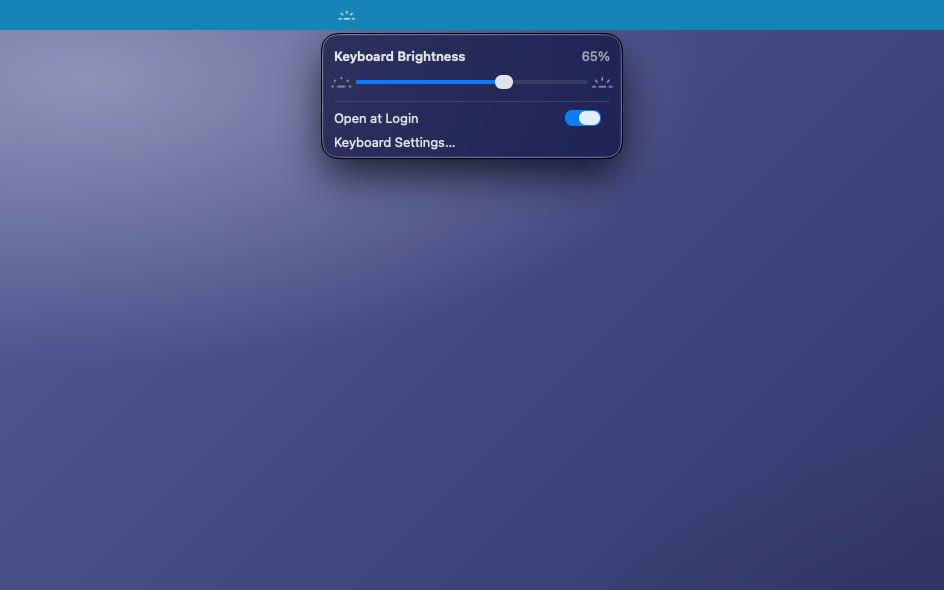
Precise control
A native slider with the exact percentage, laid out like the system’s own menu bar modules.
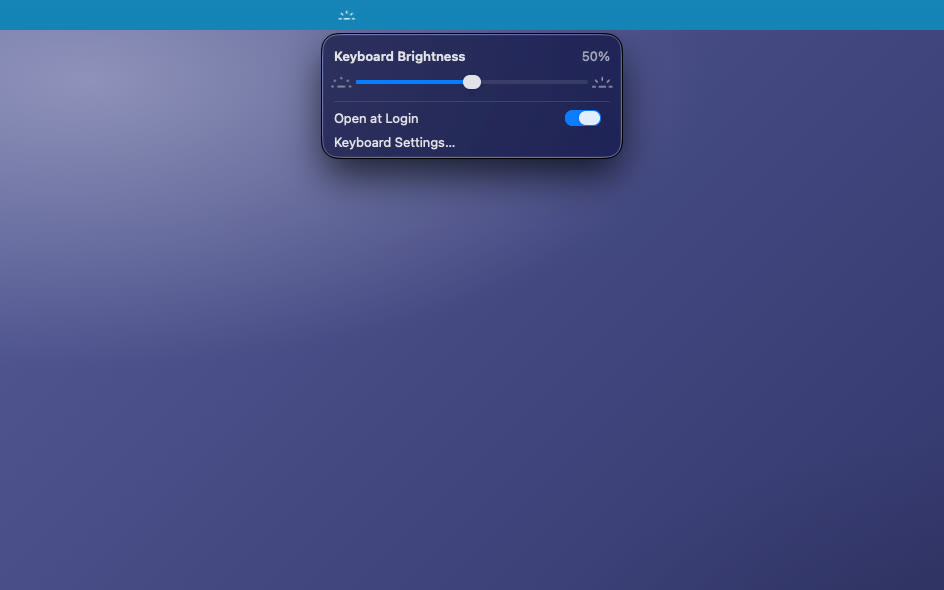
Off or full in one click
Click the icon at either end of the slider to jump straight to 0% or 100%. The thumb glides there — unless you’ve turned on Reduce Motion.
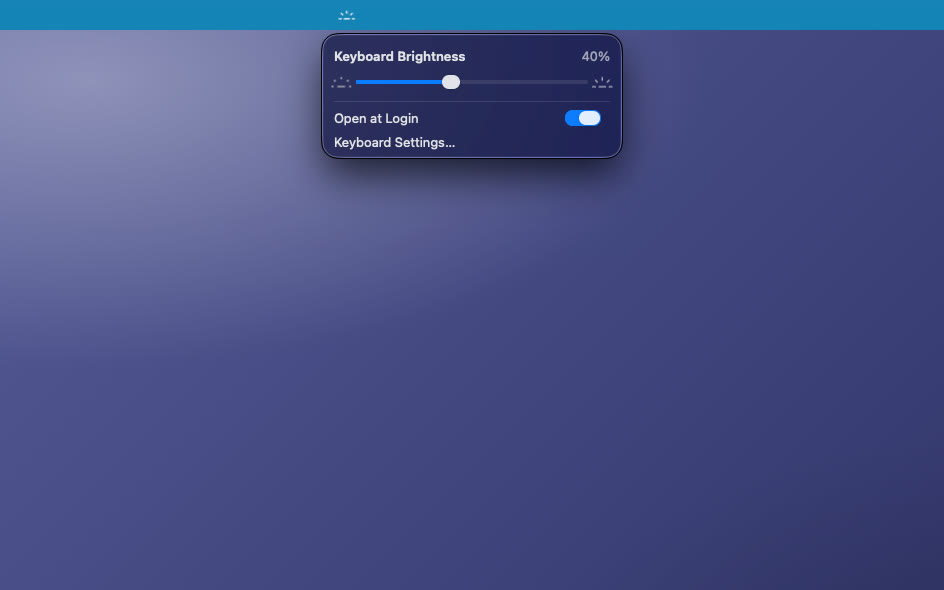
Always accurate
Shows the actual hardware brightness whenever the card opens and keeps up while it’s open, even if something else changes it.
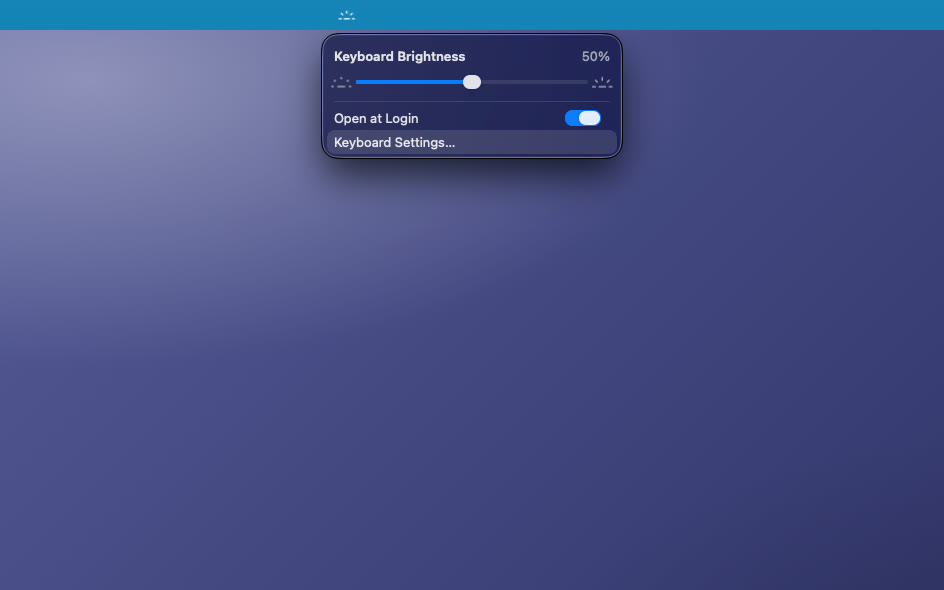
Leaves macOS in charge
Adjusting in low light and turning the light off after inactivity — the usual reasons a keyboard light switches itself off — stay under System Settings → Keyboard. A Keyboard Settings… row takes you straight there.
External keyboard brightness on Mac
Supported Logitech keyboards and QMK keyboards with VIA or Vial are found automatically and follow the same slider. The card’s inclusion switch lets you leave their brightness alone. A keyboard with fixed levels takes the nearest one.
At home on every macOS
Uses Liquid Glass on macOS 26 Tahoe and the classic popover material on earlier versions.
Starts with your Mac
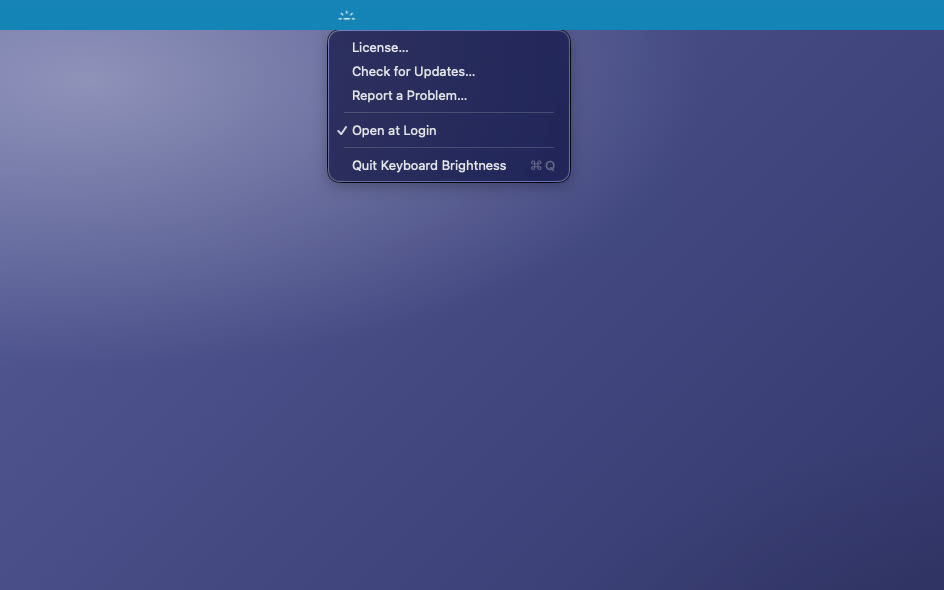
Turn on Open at Login from the card or the right-click menu. The first time you open the card, it asks once whether you want the app to start with your Mac.
Requirements
- A Mac with Apple silicon (M1 or later)
- macOS 13 Ventura or later
- A MacBook with a backlit built-in keyboard, or a supported external keyboard: a Logitech keyboard with HID++ Brightness Control or Backlight2 version 3 or later, or a QMK keyboard with VIA or Vial over a connection that carries its lighting controls. Support depends on the keyboard’s firmware; older Logitech G810 and G910 lighting is not supported. MacBook Neo has no keyboard backlight of its own. Apple’s external Magic Keyboards have no backlight. Keyboards whose makers keep their lighting protocol private, such as Razer, Corsair and SteelSeries, aren’t supported.
- Keyboard Brightness talks to the built-in backlight through a macOS framework that Apple doesn’t document publicly. If a future macOS update changes it, we’ll ship a fix as a free update.
Privacy
- No analytics, tracking or ads in the app.
- The app reads and sets your keyboards’ backlight levels and nothing else.
- For a Logitech keyboard plugged in directly or paired over Bluetooth, macOS asks you to allow Input Monitoring, because the keyboard’s lighting shares a connection with its keys. The app asks only when you choose to include that keyboard, and it ignores everything the keyboard sends except its lighting replies.
- License checks send only a hashed machine ID, your computer’s name and the app version.
Questions people ask about Keyboard Brightness
How do I turn on the keyboard light on a MacBook Air or MacBook Pro?
Click the Keyboard Brightness icon in the menu bar and drag the slider, or click the icon at either end of the slider to jump to off or full. Without the app, the control is in Control Center.
Is there a keyboard light shortcut on M1 and later MacBooks?
Recent MacBook Air and MacBook Pro models have no keys for the keyboard light. Keyboard Brightness puts the control one click away in the menu bar instead.
What if keyboard brightness is missing from Control Center?
Open System Settings → Keyboard to adjust the built-in backlight. For a dedicated menu bar slider, Keyboard Brightness controls your MacBook keyboard and supported external keyboard backlights without opening Settings each time.
Why does my MacBook keyboard light keep turning off?
macOS adjusts it to the room’s light and turns it off after a while without typing. Both settings are in System Settings → Keyboard, and the app’s Keyboard Settings… row opens them.
Does it work with external keyboards?
Supported keyboards are found automatically at launch and when connected. Logitech models need HID++ Brightness Control (as on the G815) or Backlight2 version 3 or later; QMK keyboards need VIA or Vial and a connection that carries its lighting controls. Model families and wireless modes vary. Turn on the card’s inclusion switch to let the same slider set them alongside your Mac’s keyboard. Directly connected Logitech keyboards need Input Monitoring permission; the switch remains available if you decline. Keyboards whose makers keep their lighting protocol private, such as Razer, Corsair and SteelSeries, aren’t supported.
Does it work on MacBook Neo?
Not with its own keyboard: MacBook Neo has no keyboard backlight. A supported external keyboard works.
Can I adjust an Apple Magic Keyboard’s backlight?
Apple’s external Magic Keyboards have no backlight, so there is no keyboard brightness to adjust. A MacBook’s backlit built-in keyboard and supported Logitech or QMK external keyboards can use the slider.
Keyboard Brightness · $1.99
One-time purchase. Use it on 2 Macs, with free updates forever. Full refund within 14 days, no questions asked.
Want everything? Get all six apps for $14.99 and save $11.96. Every app we add later is included too.
What’s new in 0.9.9 Updated November 1, 2026